Booting into a new system image.
You can have multiple snapshots of / in OpenIndiana thanks to ZFS, a typical use case for needing to boot into a new image is after pkg updates.
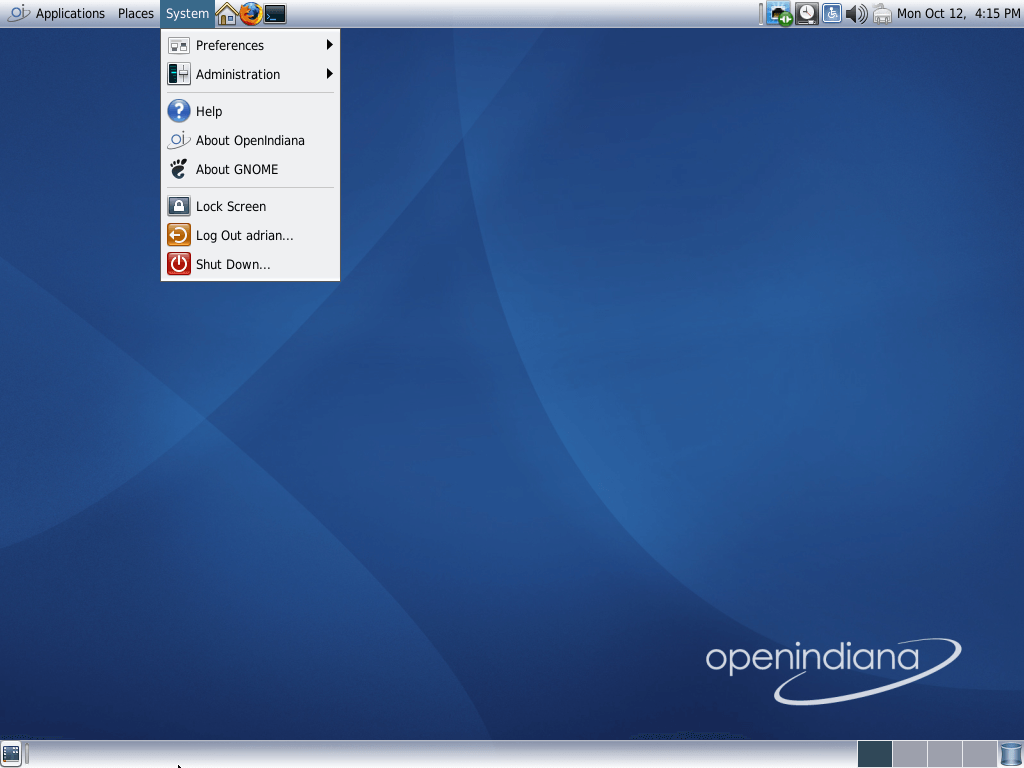
- Goto the
Systemmenu,- Press
Shut Down...
- Press
- Press the arrow next to
More Options- Select
openindiana-1
- Select
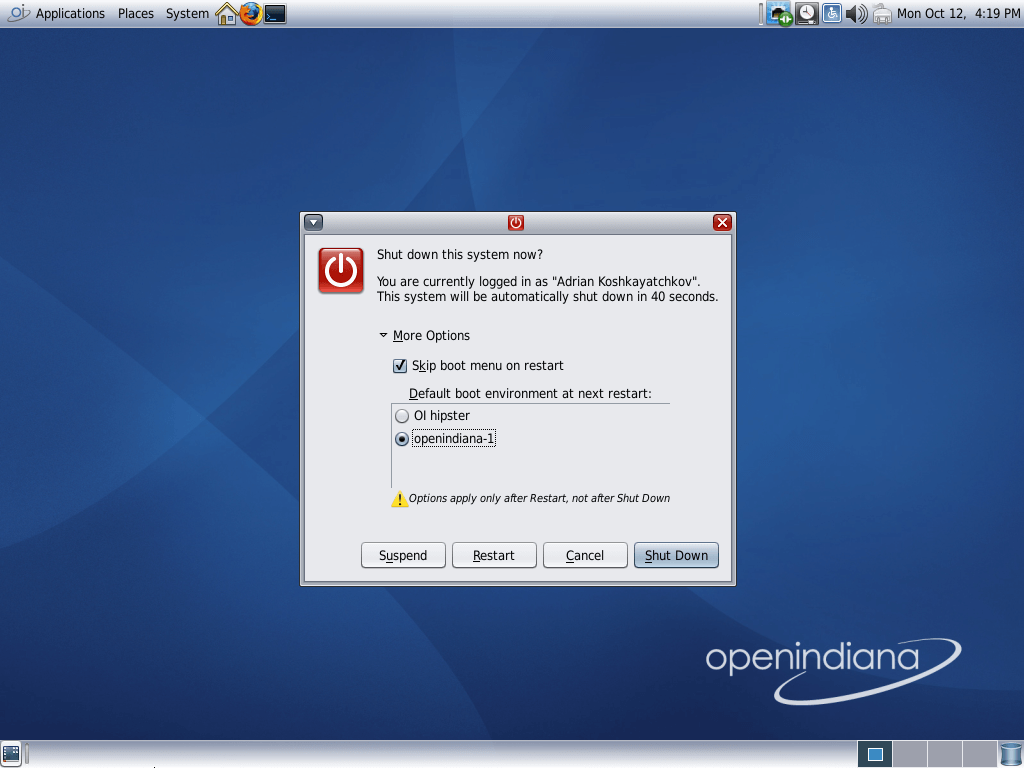
Press
RestartBe sure "openindiana-1" is selected in the boot menu.
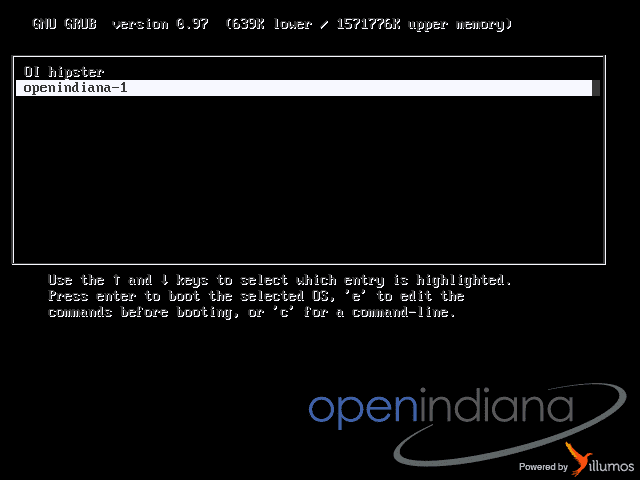
- Wait for it to boot, and you should be in your shiny new updated system.
